I Clicked a Phishing Link or Entered My Password
Your response depends on what happened after the click: visiting a page, entering credentials, approving MFA, or running a downloaded file require different actions.
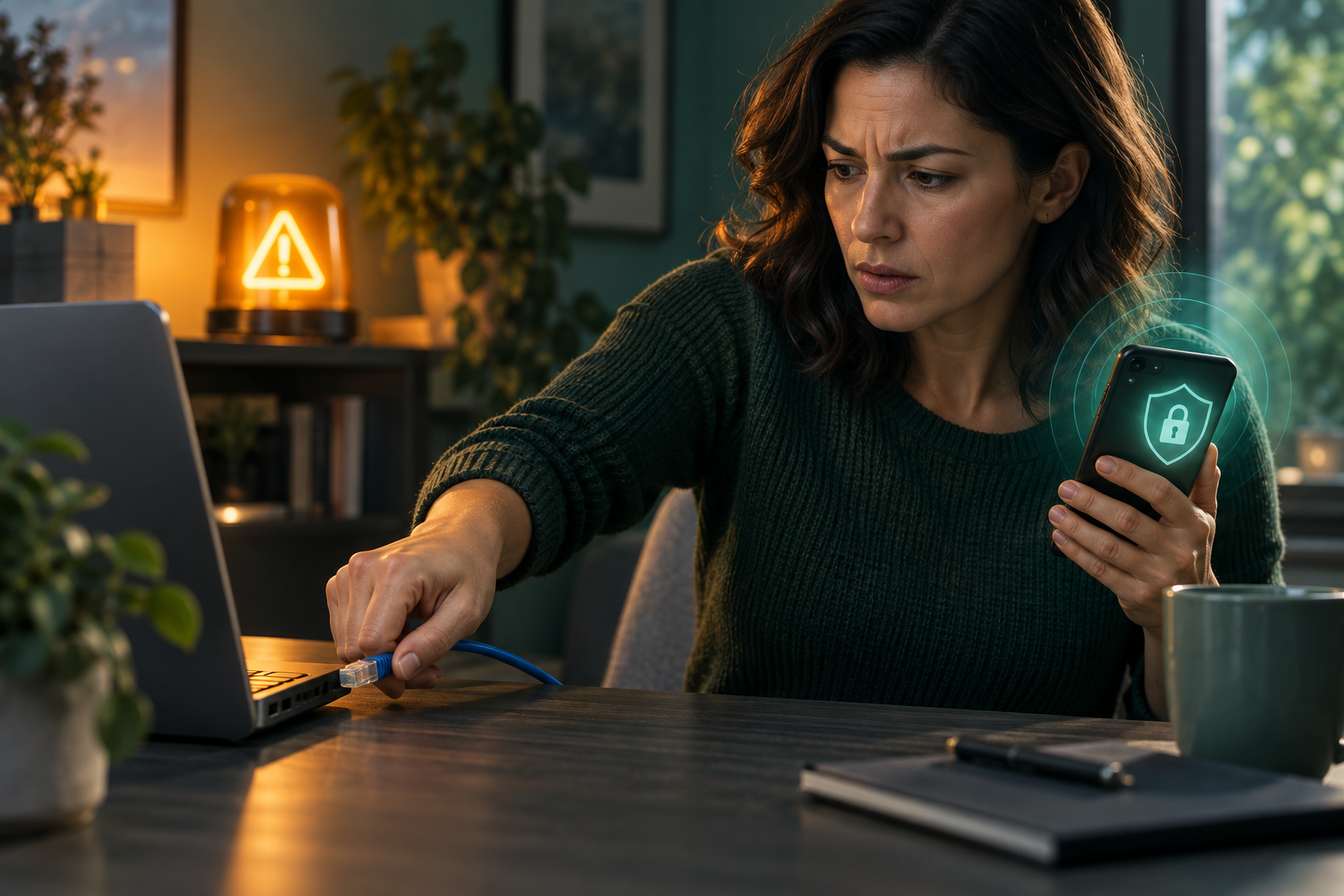
Clicking a phishing link does not automatically mean your device or identity is compromised. The response depends on the next event. If you opened a page and entered nothing, close it, update the browser or device if needed, and stay alert. If you entered a password, change that password from a trusted device and change every account where it was reused. If you entered a one-time code or approved an MFA prompt, treat the account as potentially accessed and remove unfamiliar sessions and recovery methods. If you downloaded and ran a file or installed remote-access software, disconnect the suspect device from sensitive accounts and use a clean device for password changes while you assess malware risk.
First classify what you actually did
Do not factory-reset a phone merely because a link opened in the browser, and do not minimize the event if you entered credentials or granted account permissions. Write down which of these occurred: page opened only; username/password entered; card or identity data entered; OTP or push approval provided; a third-party app permission or OAuth consent screen approved; file downloaded but not opened; file executed; software installed; or remote-control access allowed. Those are different incidents and the branch determines the cleanup.
Preserve the message and URL before deleting them if you may need to report the scam. Do not revisit the phishing page to collect more evidence. A screenshot of the original message and the displayed URL is usually enough for your record.
| What happened | Priority response | Why |
|---|---|---|
| Opened page only | Close it, update browser/OS, watch for unusual behavior | Modern browsers isolate many pages; a click alone is not proof of compromise |
| Entered password | Change it on the real site from a trusted device; fix all reuse | The scammer may now have a reusable credential |
| Entered OTP or approved push | Revoke sessions, change password, review recovery methods | The attacker may already have completed sign-in |
| Approved an app/OAuth permission | Open the real account’s connected-app or consent settings and revoke the unfamiliar app/token | Changing the password may not invalidate a separately granted authorization token |
| Entered card/bank data | Contact issuer or bank and review/replace credentials | Financial data can be used without taking over the device |
| Ran a file or remote-access tool | Disconnect suspect device, use clean device for recovery, scan or get help | Malware may capture new credentials or maintain access |
If a password was entered, protect the account before chasing the scammer
Navigate directly to the legitimate service. Change the password to a unique value. Sign out other sessions when the provider allows it. Review recovery email, phone, trusted devices, app passwords, and connected applications. Turn on stronger MFA. Then search your password manager or memory for every account that reused the same password and change those too, starting with primary email, finance, cloud, and carrier accounts.
If you cannot sign in, use the official account-recovery process. Avoid search ads for “support”; scam campaigns buy ads that lead victims into a second support scam.
MFA approval means the attacker may already be inside
A code or push approval is more serious than a password alone when the scammer was using it in real time. Revoke all active sessions, not just the browser you control. Look for changed forwarding rules, recovery methods, new devices, API tokens, or payment recipients. Generate fresh backup codes if the service provides them. Treat the old recovery codes as exposed.
If the compromised account is primary email, recover it before changing a long list of downstream accounts because the email can reset them again.
If you approved an app permission, revoke the grant—not only the password
OAuth consent phishing can leave an attacker with an authorization token even when the attacker never learned your password. IC3 warned on September 1, 2026 that victims can be routed through legitimate provider permission screens and tricked into granting a malicious application access to email, files, or other data. Open the provider’s security or connected-app settings from a trusted path, revoke the unfamiliar application or consent grant, review what it could access, and inspect sessions, mail rules, sent messages, and affected files. Then change credentials if there is any reason to think they were exposed too. A password reset by itself is not a reliable revocation step for a malicious OAuth grant.
A downloaded file changes the device question
If the file was downloaded but never opened, delete it and empty the download location after preserving only the message evidence you need. If you executed the file, enabled macros, installed software, or gave remote-control access, stop using that device for sensitive logins. Disconnect it from the network when appropriate, especially if suspicious behavior continues. Use a clean device to change critical credentials. Run supported endpoint security scans or seek professional help; for a work device, notify the organization before wiping anything because logs may be needed for incident response.
- □ Record whether you only clicked, entered credentials, approved MFA, entered financial data, or executed software.
- □ Use a trusted device and the real service website for password and account-recovery changes.
- □ Remove unknown sessions, recovery methods, forwarding rules, connected apps, and payment recipients.
- □ Change every reused copy of the exposed password, not only the account named in the phishing message.
- □ Contact banks or card issuers if financial data was submitted.
- □ Preserve the scam message and report it to the impersonated organization, FTC, or IC3 as appropriate.
If you entered identity data, think beyond the account
A phishing page may ask for SSN, date of birth, driver’s-license image, or tax information. If durable identity data was submitted, place security freezes at the three nationwide credit bureaus and consider an IRS IP PIN. If a phone number and carrier PIN were exposed, harden the carrier account. If health-insurance information was entered, review claims. The control follows the data that left your hands.
Do not keep changing passwords on a potentially infected device
This is a common recovery error. If malware or remote access is plausible, the device may capture each new password as you type it. Do the root-account recovery from a device you trust, then remediate the suspect device. Once it is clean, sign it back into services with the new credentials. If you are not confident that the device is trustworthy, a reputable local technician or organizational IT team is more useful than repeated password resets.
Close the incident by checking for persistence over the next few days
Watch primary email, financial accounts, and security alerts for new logins or password-reset attempts. If none appear after sessions are revoked and credentials are unique, reduce the checking cadence. Keep the phishing message and incident notes if money or identity data was involved. A click becomes manageable when you respond to the exact exposure rather than treating every scenario as either harmless or catastrophic.
Questions specific to I Clicked a Phishing Link or Entered My Password
Do I need to wipe my phone because I clicked a phishing link?
Usually not from the click alone. The response changes if you downloaded and ran software, installed a profile, granted unusual permissions, or see evidence of device compromise.
What if I entered my password but did not submit an MFA code?
Change the password on the real service immediately and change every place it was reused. Review sessions and recovery settings because the attacker may still try the stolen password.
What if I approved the MFA prompt?
Assume the attacker may have completed sign-in. Revoke sessions, change the password, remove unfamiliar recovery methods and connected apps, and regenerate backup codes.
Should I change passwords from the same computer if I opened a downloaded file?
If you executed a suspicious file or allowed remote access, use a clean device for critical password changes until the suspect device has been assessed and remediated.